Create Amazing Videos With Free AI Video Generators— Without Expensive Software
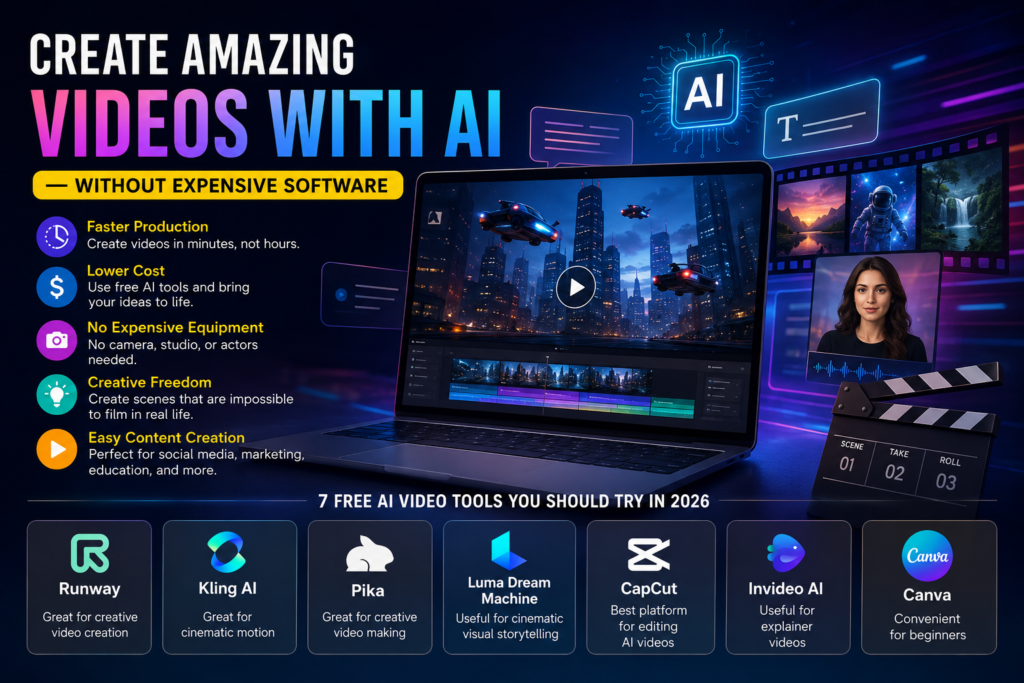
Video creation is changing quickly. A few years ago it usually took a camera, some actors, lighting equipment, editing software and many hours of work to produce a professional-looking video.
It is now possible for AI to generate a video animation in just a few minutes from a simple text description or an image.
No matter if you’re a YouTuber, a content creator, a marketer, a student, a freelancer, or the owner of a small business, there are now a number of AI-powered tools which allow you to experiment with video generation at no cost.
What needs to be understood is that the term “free” generally refers to a free tier and not to unlimited video generation; most platforms set limits in the form of credits, shorter clips, lower resolution, watermarks, or restricted exports.
What counts as AI-generated video?
The creation or alteration of video content by means of artificial intelligence is known as Free AI Video Generators.
For example, you could type:
It is night in a futuristic city with flying cars travelling between the skyscrapers, using cinematic lighting and featuring a slow camera movement.
Given a description, an AI video model is able to produce a short video that corresponds to the scene.
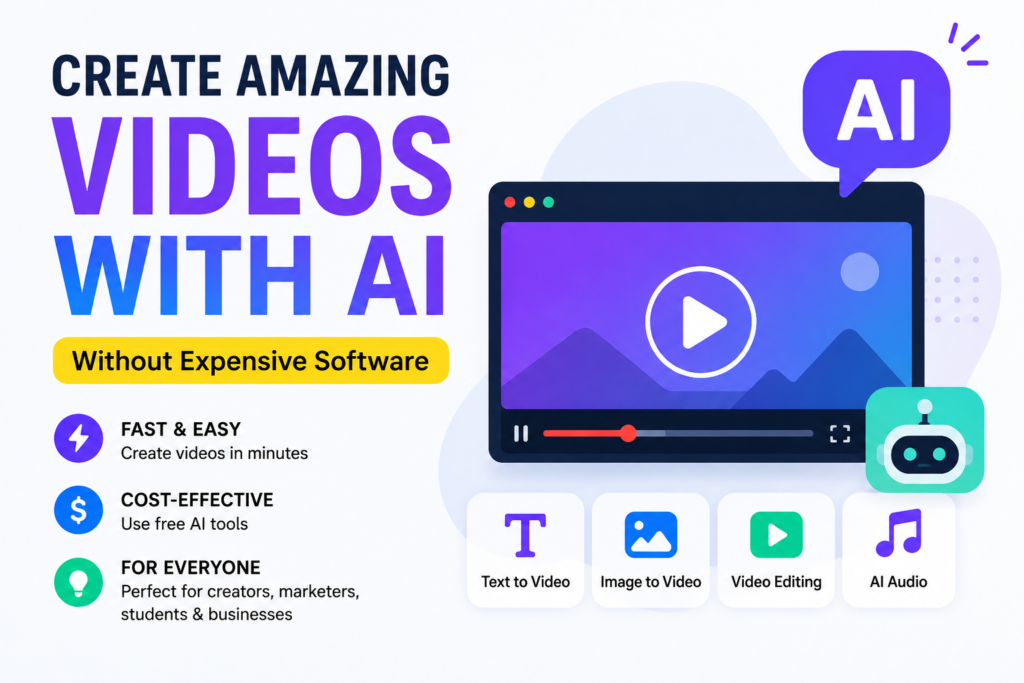
Free AI Video Generators tools can generally work with:
Text-to-video turns a written prompt into a video.
Image-to-video turns a still image into an animation.
Video-to-video. Change an existing video.
AI avatars create presenter-style videos.
Editing using AI – removing objects, altering the background, modifying scenes, or adding effects.
In some platforms it is possible to generate dialogue, sound effects, music, or voiceovers using AI audio.
AI video is especially useful for use on social media, in advertisements, for educational material, in product demonstrations, for storytelling, and for concept videos.
Why is the Free AI Video Generators becoming so popular?
Traditional video production is expensive and takes a long time.
AI changes the workflow.
Rather than taking hours to film a specific scene, a creator can produce a brief visual concept using a prompt, look at it, alter the prompt, and then generate a different version.
The biggest advantages include:
- Faster production
AI is capable of producing short clips in a matter of minutes instead of needing a full filming setup.
- Lower cost
Beginners can experiment using free AI video generators without having to buy professional software right away.
- No expensive equipment
It is not absolutely necessary to have a camera, a studio, actors, or lighting equipment in order to create a scene using AI.
- Creative experimentation
It is possible to create scenes which would be hard or impossible to film in the real world—such as fantasy worlds or futuristic cities.
- Easy content creation
Creators are able to produce social-media videos by combining AI-generated clips with voiceovers, captions, music, and traditional editing.
7 Free AI Video Generators You Should Try in 2026
Keep in mind that the world of free videos is fluid, meaning that amounts of credit, resolution, limitations, commercial usage, and even watermarks can change from year to year. Recently, there has been a tendency to limit free usage with at least one of these factors.
- Runway – Great For Creative Video Creation
Try Runway
Runway is one of the most popular AI video generators. Its unique feature is video generation with editing and creative features powered by AI technology.
The users can start from the text prompt, an image, and even existing video and improve their results. The platform has tools for background replacement, object removal, relighting, and other manipulations with video.
Good for:
Creative cinematics
YouTube video making
Storyboard creation
Image to video generation
AI video editing
Currently, Runway has a free plan available for users, but the usage is limited.
Tip: Save free generations for crucial shots rather than experimenting with free ones.
- Kling AI – Great For Cinematic Motion
Try Kling AI
Kling AI became one of the most popular video makers in the market due to realistic and cinematic video generation.
The platform offers video generation, image to video, motion control, and other creative features. The new video models from Kling also include character consistency, multi-scene video storytelling, and even native audio.
Kling offers free video generation using daily credits, but free generation is restricted.
Good for:
Cinematic motion
Realistic movements
Image to video
Character animation
Short social media videos
If you need to turn the image to a video, especially if your purpose is to animate products or people, then Kling AI becomes particularly interesting.
- Pika – Great For Creative Video Making
Try Pika
Pika is designed for creative AI video effects.
This tool is perfect for the creators who are looking to create short clips for TikTok, Instagram Reels, and YouTube Shorts.
Good for:
Social media videos
Creative effects
Short animations
Experimental content
The tool previously offered a free tier with monthly credits, but recently, it was changed, and the exact amount of credits is restricted, along with resolution and other factors. Check the current plan before using the tool in production workflow.
- Luma Dream Machine – Useful for Cinematic Visual Storytelling
Try Luma Dream Machine
Another famous AI video generation platform is Luma Dream Machine.
It can be useful if you want to play with cinematic motion, environments, product presentation, architecture, or visual storytelling.
Best for:
Cinematic ideas
Product visualization
Architecture
Visual storytelling
Image-to-video experiments
One thing to pay attention to: availability and credits policies of AI video generators were rapidly changing in 2026. Free access to some platforms became limited or changed for others, so it is better to check the latest information about the pricing and availability of Luma Dream Machine.
- CapCut – Best Platform for Editing and Free AI Video Generators
Try CapCut
If you don’t necessarily need to generate a new video clip from scratch, CapCut is very helpful.
It combines classic video editing capabilities with AI-related features like captions, effects, templates, and other automation tools.
Best for:
YouTube Shorts
Instagram Reels
TikTok
Captions
Assembling AI videos
Final video editing
The best practice here is to generate individual video clips with an AI video generator and edit them further in CapCut.
This way is usually more effective than trying to create a five-minute long video in one prompt.
- InVideo AI – Useful for Explainer Videos
Try InVideo AI
InVideo AI offers a somewhat different approach to creating Free AI Video Generators.
Not only does it allow you to work with cinematic clips, but it also helps to create full-fledged videos with scripts and prompts.
Best for:
Explainer videos
Marketing videos
YouTube content
Presentations
Social-media content
In recent comparisons, InVideo was mentioned as a freemium/free platform.
- Canva – Convenient for Beginners
Try Canva
Canva is a good tool for beginners to use if you want to put together your Free AI Video Generators visuals along with templates, texts, graphics, and presentations.
Canva would be particularly helpful for you if you do not want to create any Hollywood movie but need a nice video to market your product or service or for educational purposes.
Ideal for:
Beginners
Social media videos
Marketing
Presentation
Education